
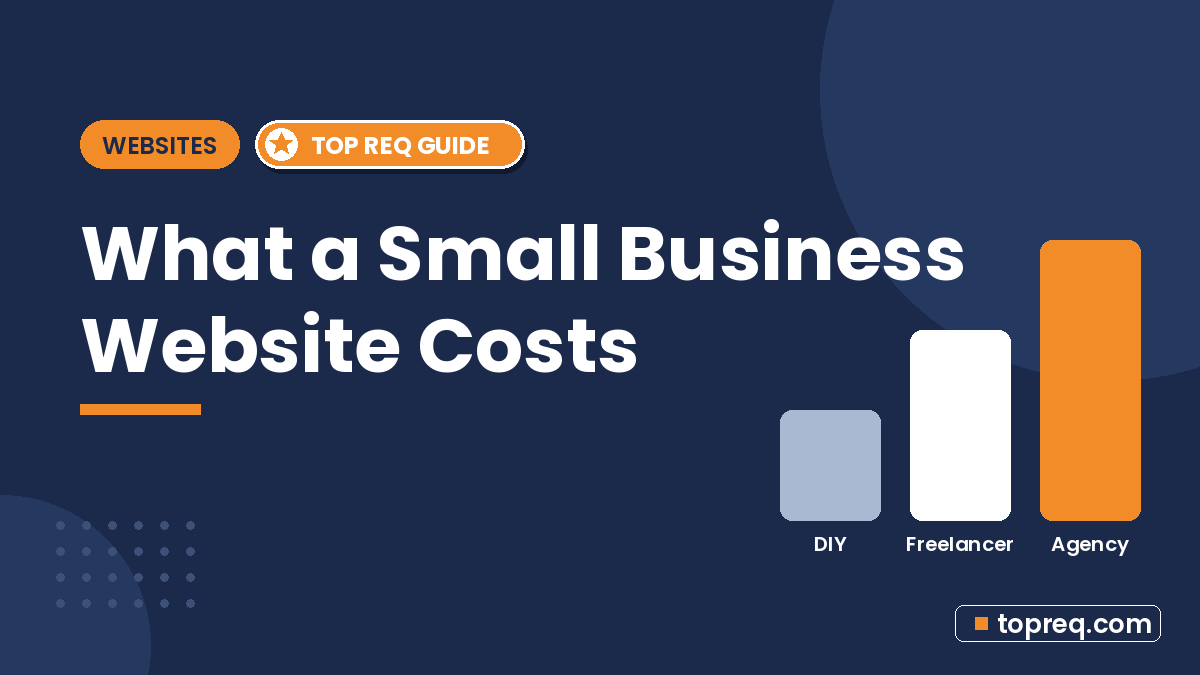
Ask five people what a small business website costs and you might get five different answers, anywhere from “free” to five figures. Each of them can be right, because “a website” can mean very different things.
This guide breaks website costs down by who builds the site and what you get at each level, so you can match your budget to what your business actually needs. The price ranges below are rough market ranges. They vary by region, project scope, and provider, so treat them as a starting point for quotes, not fixed numbers.
The Costs Every Website Has
No matter who builds your site, a few costs show up every time.
Domain name
Your domain (yourbusiness.com) is renewed yearly. A standard .com usually costs somewhere around $10 to $25 a year through registrars. Watch for low first-year prices that renew higher, and avoid premium domains unless the name is worth it to you.
Hosting
Hosting is where your site lives. Website builders like Wix, Squarespace, and Webflow include hosting in their plans. WordPress sites need separate hosting, which ranges from a few dollars a month for basic shared plans to much more for managed hosting with better speed and support.
Business email
An address like you@yourbusiness.com looks more trustworthy than a free Gmail address. Expect a small per-user monthly fee through Google Workspace, Microsoft 365, or your host.
Ongoing extras
Depending on the site, you may also pay for premium themes or templates, plugins or apps (booking, forms, ecommerce), stock photos, and an SSL certificate, although most hosts and builders now include SSL for free.
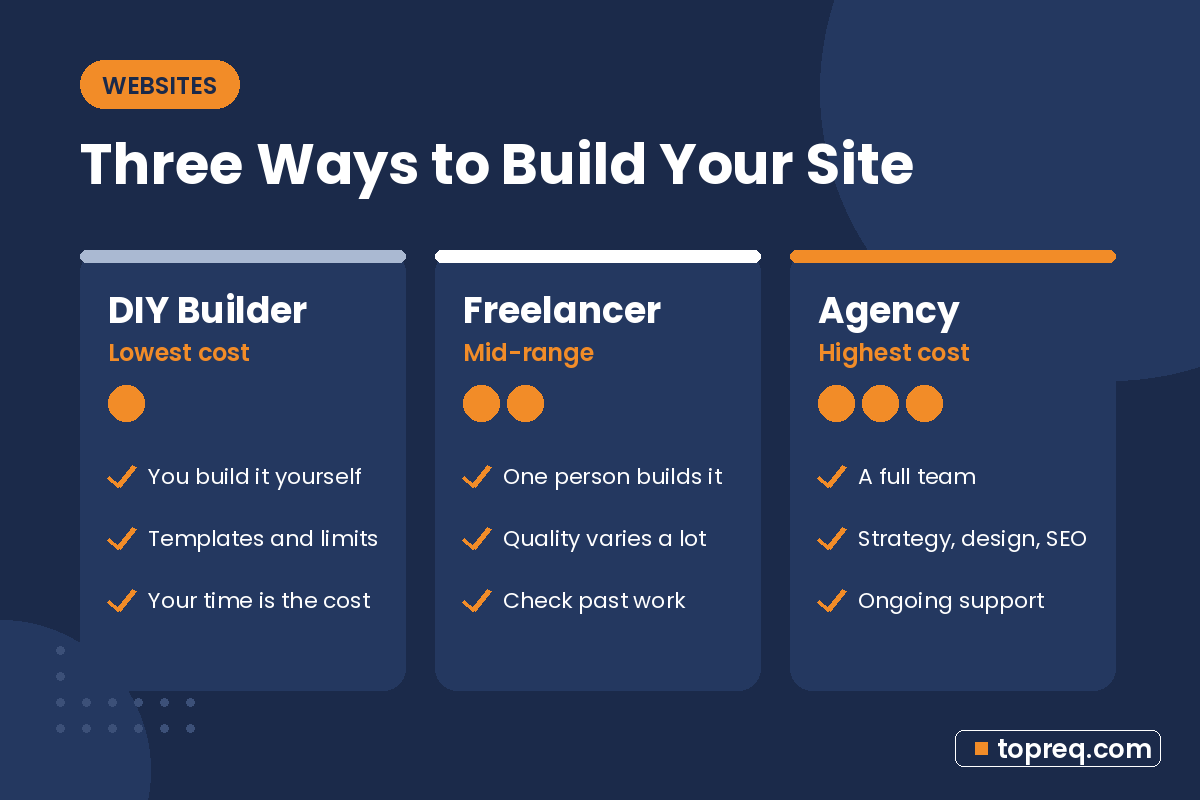
Option 1: Do It Yourself With a Website Builder
Typical cost: your time, plus a monthly builder plan, often in the range of roughly $15 to $50 a month for small business plans, more for ecommerce.
What you get
- A template you customize with drag-and-drop tools.
- Hosting, security updates, and SSL handled by the platform.
- Built-in tools for forms, basic SEO settings, and sometimes online booking or a store.
What you give up
- Your time. Writing copy, choosing photos, and arranging pages often takes longer than people expect.
- Strategy. A template looks good, but it will not plan your pages around what makes customers call.
- Some flexibility. Moving off certain builders later can mean rebuilding from scratch.
Best for
New businesses testing an idea, very tight budgets, and owners who enjoy hands-on work and have time to learn.
Option 2: Hire a Freelancer
Typical cost: often from several hundred dollars to a few thousand for a small brochure site, depending on the freelancer’s experience and the number of pages.
What you get
- A custom or semi-custom design built for you.
- Technical setup: domain connection, hosting, forms, and basic SEO settings.
- Direct communication with the person doing the work.
What to watch for
- Scope. Low quotes may not include copywriting, photos, revisions, or mobile testing. Ask what is included.
- Ownership. Make sure the domain and hosting accounts are in your name, not the freelancer’s.
- Availability. A solo freelancer may be hard to reach for fixes after launch. Ask about support before you sign.
Best for
Businesses that need a professional site with a clear, limited scope, and owners who can supply their own text and photos.
Option 3: Hire a Web Design Agency
Typical cost: often from a few thousand dollars upward for small business sites, with larger or custom projects going well beyond that.
What you get
- A team that may cover strategy, design, copywriting, development, and SEO.
- A defined process with discovery, design rounds, testing, and launch.
- Ongoing support, maintenance, and marketing services if you want them.
What to watch for
- Paying for what you don’t need. A five-page site for a local service business rarely needs the same process as a large corporate site.
- Long timelines. More people and more steps can mean a slower launch.
- Lock-in. Ask whether you can take your site elsewhere if you stop working together.
Best for
Businesses that want more leads from their site, need copywriting and SEO done for them, or plan to grow marketing over time. Smaller agencies that focus on small businesses, such as Boostology, often sit between freelancer and large-agency pricing and combine the website with ongoing SEO and social media support.
What Drives the Price Up or Down
Whichever route you choose, these factors have the biggest effect on the quote.
Number of pages
A one-page site is cheaper than a ten-page site with separate pages for every service and location. More pages mean more design, content, and testing.
Custom design vs. template
Adapting a good template is faster and cheaper. A fully custom design takes more hours but can better fit your brand.
Copywriting and photos
If you provide finished text and professional photos, the cost drops. If the designer writes your copy or arranges a photo shoot, expect to pay more.
Features
Online booking, ecommerce, member areas, multiple languages, and integrations with your CRM or payment systems all add work.
SEO and speed work
Basic SEO settings are usually included. Keyword research, location pages, and performance tuning are often extra. For local businesses, our local SEO checklist for small business shows what to prioritize after launch.
Don’t Forget Ongoing Costs
A website is not a one-time purchase. Budget for:
- Renewals: domain, hosting or builder plan, email, and paid plugins each year.
- Maintenance: updates, backups, and security, especially on WordPress. Many providers offer monthly care plans.
- Content updates: new services, prices, photos, and seasonal changes.
- Marketing: SEO, blog posts, or ads if you want the site to bring in new customers instead of just existing.
How to Choose the Right Budget for Your Business
- Decide what the site must do. Show you are legitimate? Generate calls? Take bookings? Sell products? The job of the site sets the budget. If local calls are a goal, pair the site with a verified Google Business Profile.
- Estimate what a new customer is worth. If one new client pays for the site, a bigger investment is easier to justify.
- List what you can supply yourself. Text, photos, and logo all lower cost.
- Get at least three quotes and compare what each one includes, not just the total.
- Ask to see live sites the provider has built and check them on your phone.
- Get it in writing: scope, timeline, revisions, ownership, and support after launch.
Questions to Ask Before You Hire Anyone
- Who will own the domain, hosting, and site files?
- How many revision rounds are included?
- Will the site be mobile-friendly and tested on phones?
- What basic SEO setup is included?
- What happens if something breaks after launch, and what does support cost?
- Can I edit text and images myself?
Frequently Asked Questions
Can I get a small business website for free?
Some builders offer free plans, but they usually show the builder’s ads and use a subdomain instead of your own domain. They work for testing, but most businesses outgrow them quickly because they look less professional.
Is WordPress cheaper than Wix or Squarespace?
The WordPress software is free, but you pay for hosting, themes, plugins, and maintenance. Builders bundle these into one plan. Total cost depends on your setup and who maintains it.
How long does it take to build a small business website?
A simple DIY site can go live in a few days to a few weeks. Professional builds often take several weeks, and the biggest delay is usually waiting on content like text and photos.
Should I pay up front or in stages?
Many freelancers and agencies ask for a deposit and split the rest across milestones or launch. Paying in stages tied to clear deliverables protects both sides.
Need help growing your business online? TopReq is run by the team at Boostology, a web design and digital marketing agency.
Services: Website Design, SEO, Social Media Management, Meta Ads.