
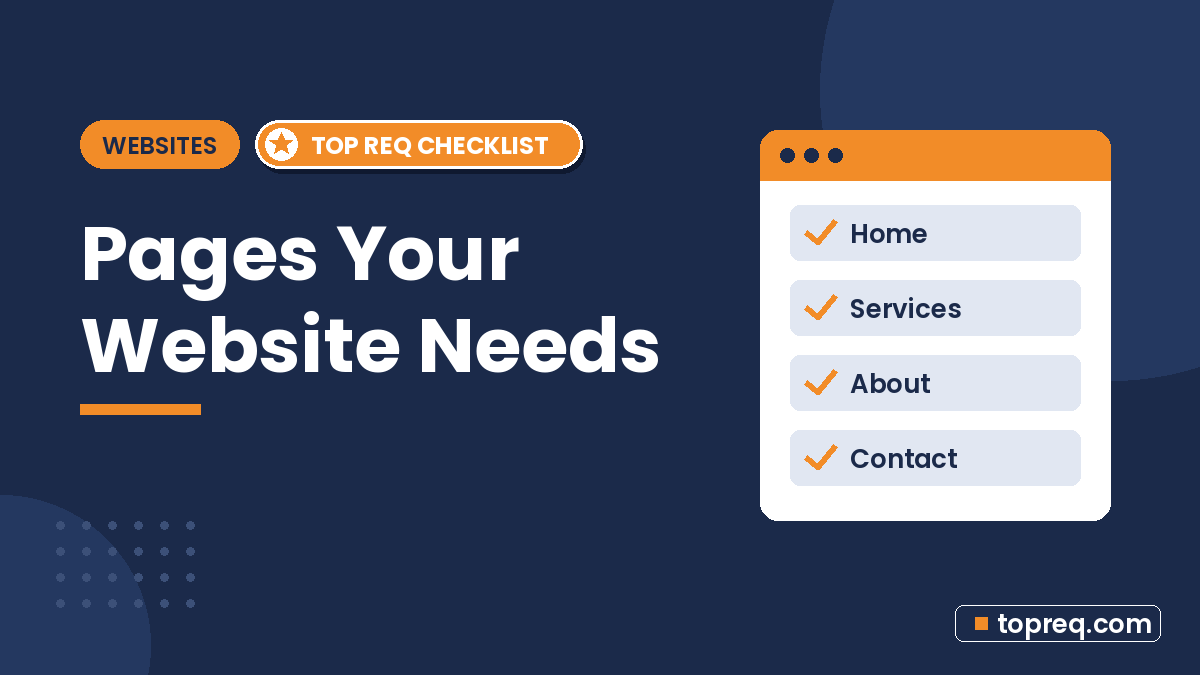
When you plan a small business website, it’s tempting to copy whatever pages a competitor has, or to stuff everything onto one long page. Neither works well. Every page on your site should have a clear job: answer a question, build trust, or help a visitor take the next step.
This guide splits small business website pages into two groups: the must-have pages almost every business needs, and the nice-to-have pages that make sense once the basics are in place. For each one, you’ll see what it’s for and what to put on it.
Start With Your Visitor’s Questions
Most people who land on a small business website want answers to the same few questions: What do you do? Do you serve my area? Can I trust you? How much will it cost? How do I get in touch? Your page list should answer each of those quickly.
Google’s SEO starter guide makes a similar point: organize your site so it makes sense to people, and write content that is useful to them. Its guidance on creating helpful, people-first content is worth reading before you write a single page.
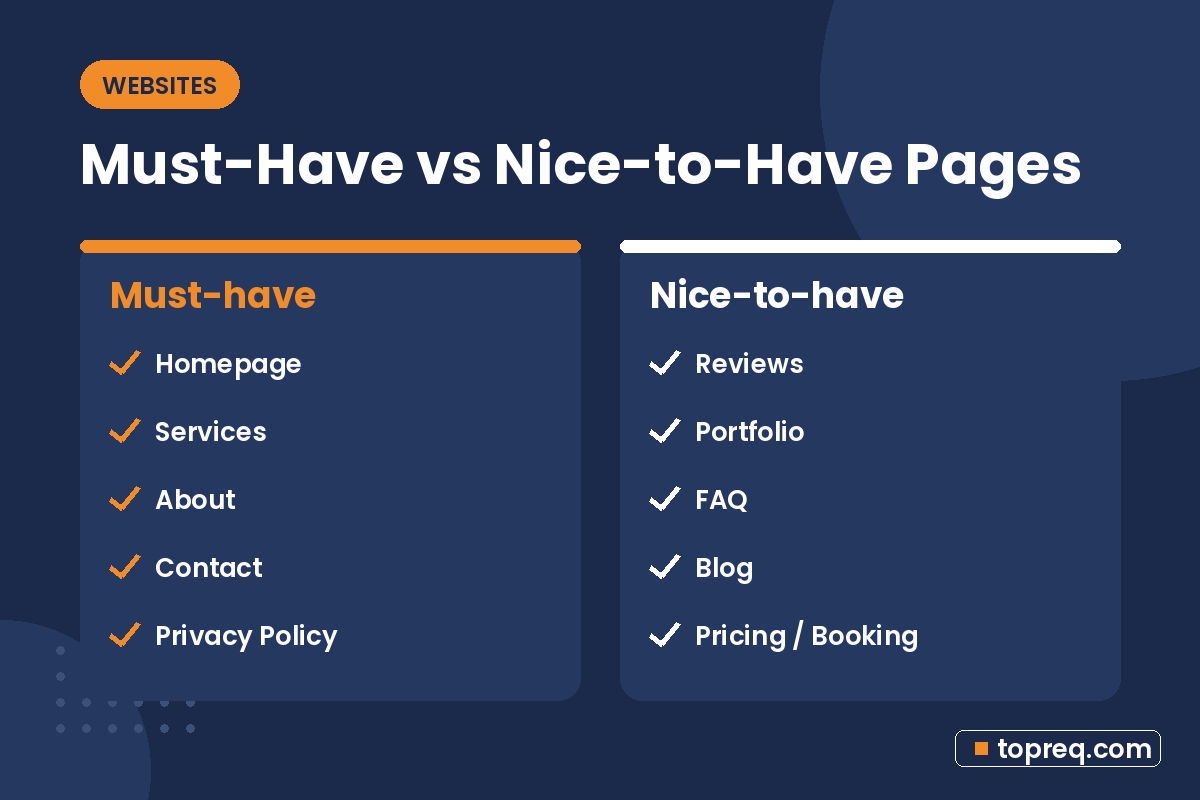
Must-Have Pages for a Small Business Website
1. Homepage
Purpose: tell visitors within a few seconds what you do, who you do it for, and what to do next.
Your homepage isn’t the place for your whole history. It’s a signpost. Include a clear headline that names your service and area, a short line on what makes you different, one main call to action (such as “Get a free quote” or “Book a visit”), a quick overview of your services with links, a few reviews or trust signals, and your contact details.
2. Services (or Products) pages
Purpose: explain each thing you sell in enough detail that a customer feels confident contacting you.
If you offer more than one main service, give each its own page instead of listing them all in one paragraph. A plumber might have separate pages for drain cleaning, water heater repair, and leak detection. Separate pages let you answer specific questions and give search engines a clear topic for each page. On each one, cover what the service includes, who it’s for, how the process works, rough pricing or what affects the price, and a call to action.
3. About page
Purpose: show the real people behind the business and why customers can trust you.
Share how and why you started, who is on the team, relevant experience, licenses or certifications, and what you care about. Real photos of you and your team do far more than stock images. For a small business, the About page is often one of the most visited pages, because people want to know who they’ll be dealing with.
4. Contact page
Purpose: make it effortless to reach you.
Include your phone number (clickable on mobile), email, a short contact form, your hours, and your address or service area. If you have a storefront, add a map and parking notes. Keep the form short; ask only for what you need to reply. Make sure your business name, address, and phone number match your Google Business Profile exactly. Our local SEO checklist explains why that consistency matters.
5. Privacy Policy
Purpose: explain what data your site collects and how you use it.
If your site has a contact form, analytics, cookies, a newsletter, or ads, you are collecting some personal data, and a privacy policy tells visitors what happens to it. Some services you connect to your site, such as analytics or advertising tools, also require you to have one. Requirements vary by state and by what you collect, so it’s wise to have a professional review yours rather than copying another site’s policy.
Strongly Recommended Pages
6. Reviews or Testimonials page
Purpose: give proof that real customers are happy with your work.
Feature genuine customer feedback with first names, the service they bought, and, where they agree, a photo. Link to your Google reviews too. Only use real testimonials; the FTC’s rules on reviews and testimonials apply to what you publish on your own site.
7. Portfolio, Gallery, or Case Studies
Purpose: show the quality of your work before someone hires you.
This page matters most for visual and project-based businesses: contractors, landscapers, designers, photographers, salons, and caterers. Before-and-after photos with a sentence or two of context work well. Case studies go further by describing the problem, what you did, and the result.
8. FAQ page
Purpose: answer the questions you hear every week, so customers don’t have to call to ask.
Collect the real questions customers ask on the phone and by email: pricing, timelines, what to prepare, payment options, guarantees. Answer each in a few plain sentences. A good FAQ saves you time and reassures visitors who are almost ready to contact you.
9. Service area or location pages
Purpose: show which towns or neighborhoods you serve.
If you serve several areas, a page for each main area can help, but only if each page has genuinely useful, specific content, like local projects, travel details, or area-specific services. Copying the same text and swapping the town name creates thin pages that help nobody. If you only serve one area, a clear statement on your homepage and Contact page is enough.
Nice-to-Have Pages
Add these once your core pages are done and working.
- Blog or Resources: helpful articles that answer customer questions and give search engines more to index. Only start one if you can keep it updated.
- Pricing page: clear packages or starting prices. It can filter out poor-fit leads and build trust, though it doesn’t suit every business.
- Booking or Quote page: an online form or scheduling tool that lets customers book without a phone call.
- Careers page: useful if you hire regularly.
- Terms of Service: recommended if you sell online, take bookings, or offer accounts.
- Accessibility statement: explains your commitment to an accessible site and how to report problems. The Department of Justice offers guidance on web accessibility and the ADA for businesses.
- Thank-you page: the page people see after submitting a form, which confirms the message arrived and tells them what happens next.
Pages You Can Usually Skip
- A separate “Mission” page when two sentences on the About page would do.
- Empty blog or news sections with one post from years ago. They make a business look inactive.
- “Coming soon” pages linked from your menu.
- Duplicate location pages with the same text and a different town name.
How to Organize Your Pages
A simple structure helps both visitors and search engines.
- Keep the main menu short. Home, Services, About, Reviews or Work, and Contact covers most small businesses. Put Privacy Policy and Terms in the footer.
- Use a dropdown or a Services overview page if you have several services.
- Put a call to action on every page, not just the Contact page.
- Use clear, descriptive page titles and URLs, such as /services/water-heater-repair rather than /page-2.
- Link related pages to each other, for example from a service page to the matching portfolio examples.
- Submit a sitemap so search engines can find all your pages. Google explains how in its sitemaps overview.
A Simple Starter Plan
If you’re starting from zero, a solid first version of a small business site has about six to ten pages: Home, one page per main service, About, Reviews or Portfolio, FAQ, Contact, and Privacy Policy. That’s enough to look professional, answer the key questions, and give you room to grow.
The number of pages is also one of the biggest factors in what a website costs to build. Our breakdown of how much a small business website costs explains how page count, copywriting, and features affect the price. If you’d rather have the planning and building done for you, a small-business web team such as Boostology can map out your pages and write the content with you.
Frequently Asked Questions
How many pages should a small business website have?
There’s no fixed number. Many small businesses start with six to ten pages and add more as they grow. Every page should have a clear purpose.
Can a small business use a one-page website?
Yes, a one-page site can work for a very simple business or a new launch. As you add services, separate pages make it easier to explain each one and to show up for more specific searches.
Do I need a blog on my business website?
Not at first. A blog helps if you can publish useful posts regularly. An abandoned blog does more harm than having none.
Should I put prices on my website?
It depends on your business. Showing starting prices or packages can build trust and save time. If every job is custom, explain what affects the price and invite people to request a quote.
What is the most important page on a small business website?
The homepage gets the most attention, but service pages and the Contact page usually do the most to turn visitors into customers.
Need help growing your business online? TopReq is run by the team at Boostology, a web design and digital marketing agency.
Services: Website Design, SEO, Social Media Management, Meta Ads.